Let’s be honest.How to increase the adsense rpm?
You’ve done the hard work. You’ve built a website, filled it with quality content, jumped through the hoops to get your Google AdSense account approved, and now… you’re watching pennies trickle in.
You see other bloggers and website owners talking about their earnings, and you can’t help but wonder: What am I doing wrong?
The truth is, most AdSense guides focus on the basics: “get traffic, place the code, make money.” It’s not that simple. The secret sauce isn’t just traffic; it’s about maximizing the revenue from the traffic you already have.
The key metric to focus on here is Adsense RPM.
RPM (Revenue Per Mille) is the money you earn per 1,000 page views. While your CPC (Cost Per Click) is largely determined by your niche and advertiser competition, your RPM is something you can actively influence.
In this comprehensive guide, we’re moving beyond “AdSense 101.” We’re diving deep into five advanced, actionable strategies that transformed my own AdSense earnings from coffee money to a significant monthly income stream. I’m talking about increasing my RPM from a paltry $4 to a consistent $12-$18.
Ready to stop leaving money on the table? Let’s begin.
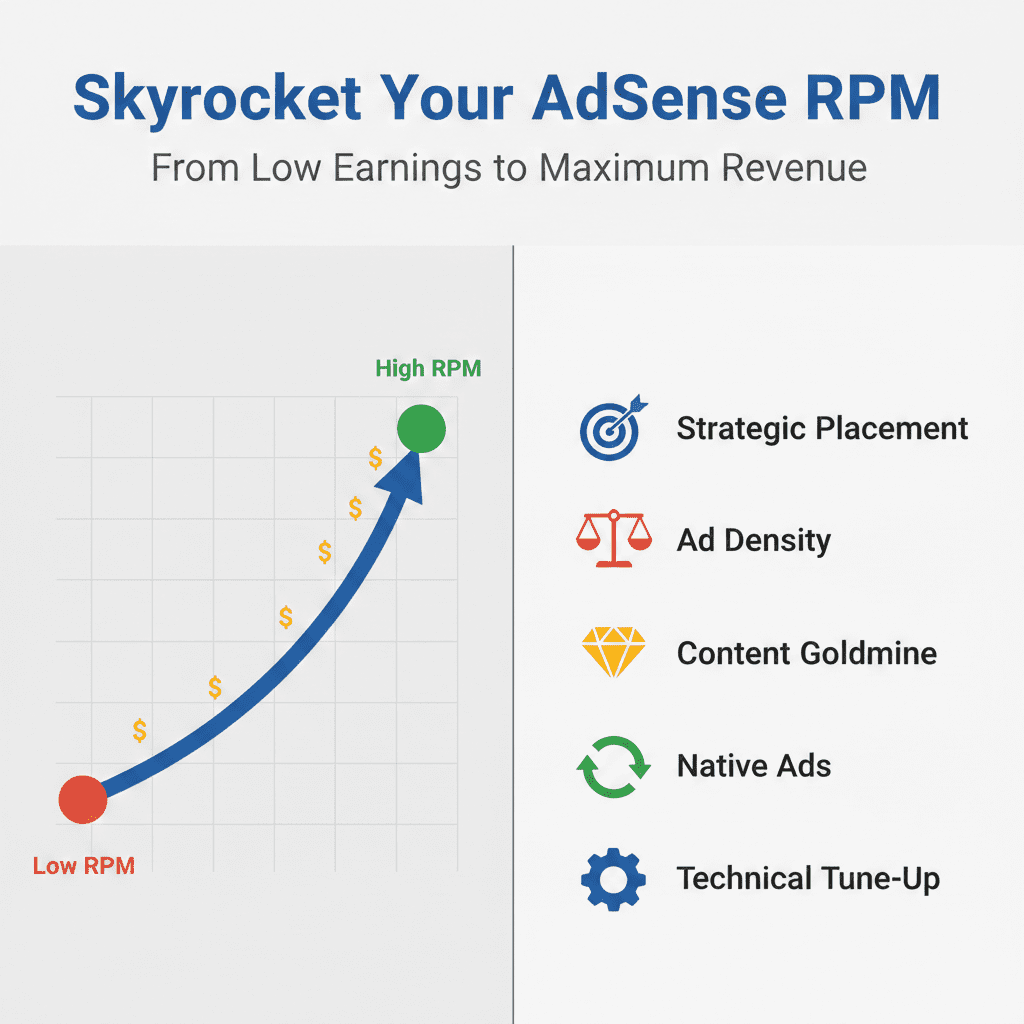
Focus on optimizing what you can control on adsense. A rising RPM chart is a beautiful thing.
Strategy #1: Master the Art and Science of Ad Placement (It’s Not Just “Above the Fold”)
You’ve probably heard the mantra: “Place ads above the fold.” This is the part of the webpage visible without scrolling. It’s good advice, but it’s incomplete and can even be counterproductive if misunderstood.
The goal isn’t just visibility; it’s user engagement without disruption.
After extensive A/B testing (using tools like Google AdSense Experiments), I found a golden trio of placements that consistently outperform a single “above the fold” banner.
The Triple-Threat Placement Combo:
- The “Sticky” Sidebar Ad: If your site layout has a sidebar, this is pure gold. Using a simple plugin or a bit of code, you can make your vertical sidebar ad “stick” to the screen as the user scrolls. This ad remains in their peripheral vision at all times, dramatically increasing viewability and the chance of a relevant click without interrupting the content flow.
- The In-Content “Paragraph Breaker”: This is arguably the most powerful placement for content-heavy sites like blogs. Instead of just one ad at the top of the article, place a responsive ad unit inside your content, after the 2nd or 3rd paragraph. Why? This is when the user is fully engaged with your content, and an ad feels like a natural pause. It’s contextually relevant and has a sky-high viewability rate.
- The “Before Footer” Anchor: As the user reaches the end of your article, their intent shifts. They’ve consumed the content and are deciding what to do next. A horizontal ad just before your comment section or footer acts as a final, high-impact call-to-action. It often converts users who weren’t interested in clicking earlier.
Actionable Tip: Don’t just set and forget. Use Google AdSense Experiments to run a 50/50 A/B test on a high-traffic page. Test a page with only a top banner against a page with the “Triple-Threat” combo. Let it run for at least 30 days to get statistically significant data. The results will speak for themselves.
Strategy #2: Optimize Ad Density and Balance for a Profitable, Not Annoying, User Experience
Here’s the paradox of AdSense: more ads can mean more revenue, but they can also drive your users away, killing your traffic (and revenue) in the long run.
Google understands this. Their Better Ads Standards penalize sites with overly intrusive ad experiences. If your site falls into the “Fail” category for ad density, you could see lower ad prices or even have ad serving restricted.
So, how do you find the sweet spot?
The rule of thumb is to have no more than 3 ad units on a page. However, with responsive ads, one “unit” can serve multiple ad sizes. The real metric to watch is user behavior.
- Check Your Bounce Rate in Google Analytics: If you add a new ad and your bounce rate spikes, you’ve likely gone too far.
- Monitor Pages per Session: Are people still clicking around your site after viewing an ad-heavy page? If this number drops, you have a user experience problem.
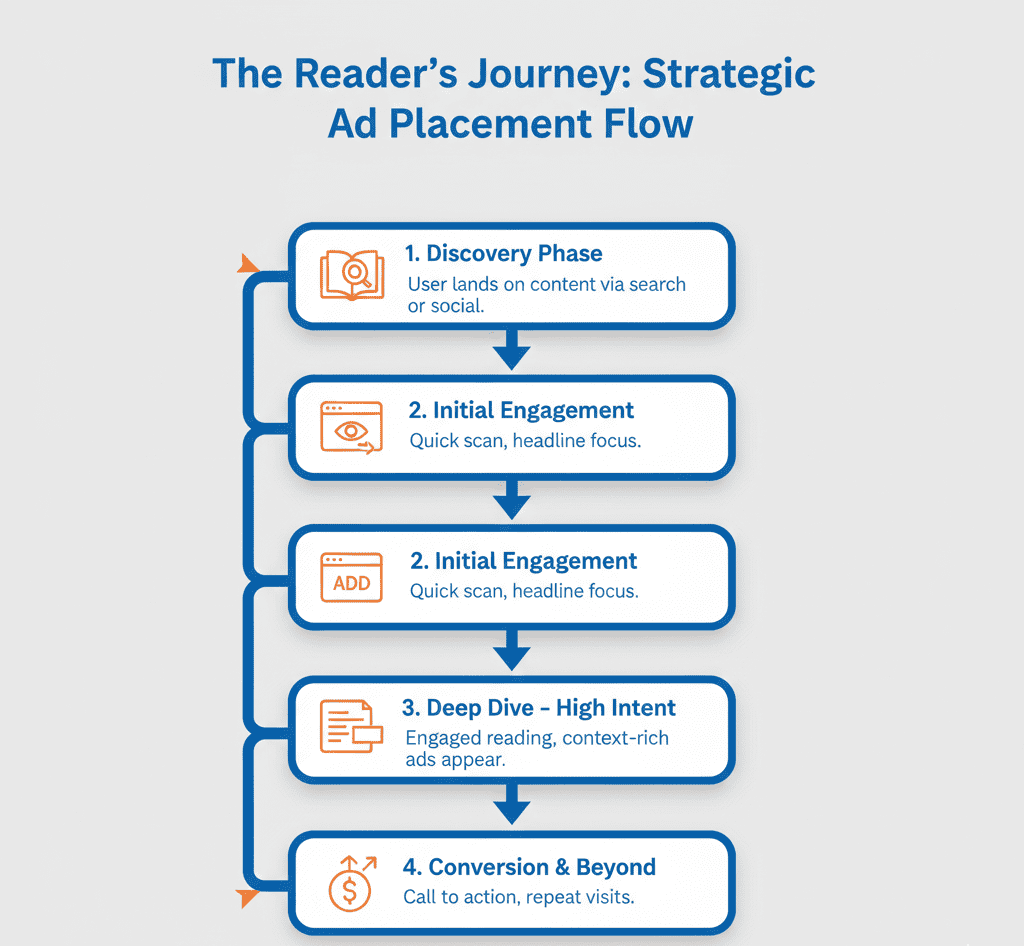
The “Reader’s Journey” Method: Visualize the path a user takes on your page. They land, they start reading, they scroll. Your ads should be placed at natural “resting points” in this journey, not as roadblocks. The “Triple-Threat” combo from Strategy #1 follows this principle perfectly.
Strategy #3: The Content Goldmine – Writing for Revenue, Not Just Keywords
You can have perfect ad placement and a flawless website, but if your content doesn’t attract valuable clicks, your RPM will stay low. This is where most bloggers miss a massive opportunity.
It’s not just about search volume; it’s about searcher intent and commercial value.
Let me break it down with two examples:
- Article A: “How to Care for a Bonsai Tree”
- Intent: Informational. The user wants free advice.
- Ad Value: Low. They might see ads for gardening gloves or pots, but they aren’t necessarily in a “buying” mood. CPC will be low.
- Article B: “Best Soil Kits for Bonsai Trees 2024”
- Intent: Commercial Investigation. The user is researching products to buy.
- Ad Value: High. Advertisers selling soil, fertilizer, toolkits, and premium bonsai trees will pay a premium to appear here. CPC will be significantly higher.
By creating content that targets commercial keywords, you are essentially rolling out a red carpet for high-paying advertisers.
How to Find These Goldmine Topics:
- Use Keyword Research Tools: Tools like Ahrefs, SEMrush, or even Google’s Keyword Planner can show you the “CPC” of a keyword. While this is for Google Ads, it’s a direct proxy for how much advertisers are willing to pay in that niche. Target keywords with a higher CPC.
- Focus on “Best,” “Review,” and “Buyer’s Guide”: These are classic commercial intent modifiers. “Best vacuum for pet hair,” “iPhone 15 review,” “buyer’s guide for DSLR cameras.”
- Don’t Abandon Informational Content: It’s crucial for building authority and traffic. The key is to have a balanced content strategy. Use informational articles to build your audience and then create commercial content to monetize that audience effectively.
Strategy #4: Go Beyond Display Unleash the Power of Native and In Feed Ads
When you think AdSense, you think rectangular display ads. But you’re missing out on two of the highest-performing formats: In-Article (Native) and In-Feed ads.
- In-Article Ads: These ads are designed to fit seamlessly between the paragraphs of your news articles or blog posts. They look and feel like part of your content, which results in higher engagement and less “ad blindness.” They are a perfect way to add an extra ad unit to a long article without making it feel cluttered.
- In-Feed Ads: If you have a blog homepage, category pages, or any page with a list of articles (a “feed”), this format is a game-changer. The ad will appear as a native item within that list, matching the look and feel of your surrounding content. Users scrolling through your latest posts are highly engaged, and an in-feed ad is a natural part of that experience.
Why They Work So Well: These formats respect the user. They don’t scream “AD!” They blend in, offering value only to users who are genuinely interested. This quality traffic is exactly what advertisers pay a premium for, directly boosting your RPM.
Strategy #5: The Technical Tune Up Speed, Viewability, and Data Driven Decisions
The final piece of the puzzle is the technical foundation of your site. A slow, clunky website doesn’t just rank lower on Google; it makes less money from AdSense.
- Page Speed is a Revenue Metric: A one-second delay in page load time can reduce your page views by 11% and crush your ad viewability. Use Google PageSpeed Insights and GTmetrix to analyze your site. Compress images, leverage browser caching, and minimize render-blocking resources. Every second you shave off your load time is money in your pocket.
- Track Your Viewability in AdSense: Viewability is the percentage of your ad that is actually visible on a user’s screen. Google AdSense provides a “Viewability” report. Aim for a viewability rate above 50%. The placements we discussed in Strategy #1 are designed specifically to maximize this number. If an ad unit has a very low viewability score (e.g., below 30%), it’s time to move it.
- Analyze, Don’t Just Assume: Your AdSense reports are a goldmine of information. Don’t just look at your total earnings.
- Check your RPM by page to see which content is most profitable.
- Check your RPM by device. Is your mobile RPM drastically lower? Maybe your mobile ad placements are poor or your site isn’t mobile-friendly.
- Use this data to double down on what works and fix what doesn’t.
Conclusion: It’s a Marathon, Not a Sprint
Increasing your AdSense RPM isn’t about a magic bullet. It’s a continuous process of optimization, testing, and refinement. It’s about understanding the delicate balance between user experience and monetization.
To recap, your action plan is:
- Revamp your ad placements using the “Triple-Threat” combo.
- Balance ad density to keep users happy and engaged.
- Create commercial content that attracts high-value advertisers.
- Implement native and in-feed ads for seamless integration.
- Optimize your site’s speed and analyze your data relentlessly.
Implement these five strategies one by one. Be patient. Run your experiments. The results will not happen overnight, but they will happen. You’ve built a valuable asset with your website. Now it’s time to make sure it pays you what it’s truly worth.
Our Calculators
You can calculate your earning on our adsense calculator !
Frequently Asked Questions (FAQ)
Q1: What is a good AdSense RPM?
A: This varies wildly by niche, geography, and season. A tech or finance blog might see RPMs of $20+, while a hobby blog might be in the $5-$10 range. Don’t focus on others; focus on improving your own RPM over time.
Q2: Can I use AdSense with other ad networks?
A: Yes, this is called header bidding. However, it’s an advanced setup. For most publishers, it’s best to master AdSense first before complicating things with other networks.
Q3: How long does it take to see results from these changes?
A: Give any major change (like an A/B test) at least 30 days to account for weekly traffic fluctuations and to gather enough data. Smaller tweaks might show trends within 1-2 weeks.
Q4: Will more traffic automatically increase my RPM?
A: Not necessarily. More traffic from a low-value geographic location or on non-commercial topics can even lower your overall RPM. Focus on the quality and intent of your traffic, not just the volume.